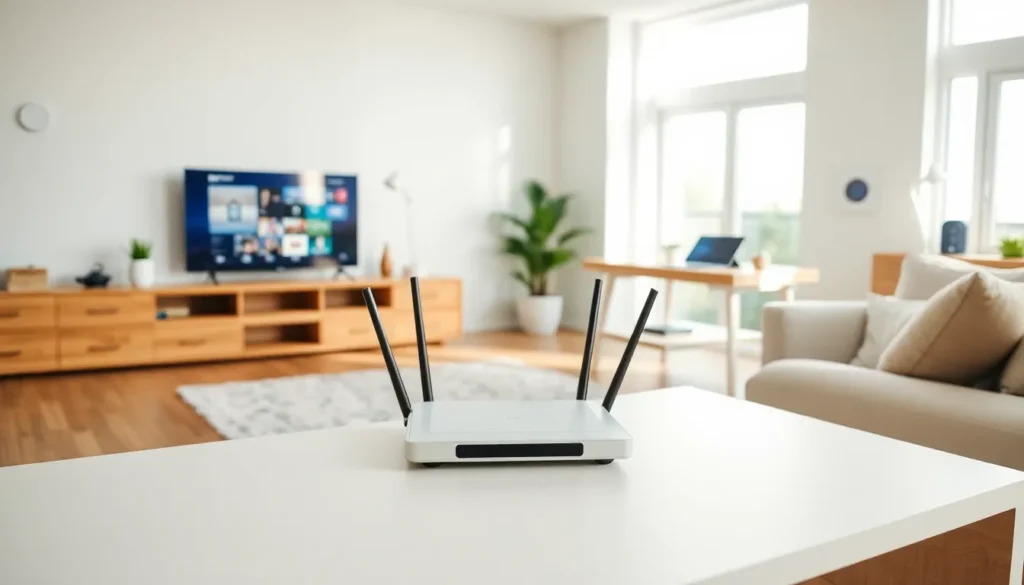

Home networking strategies determine whether a household enjoys seamless streaming or suffers through buffering nightmares. The average American home now connects over 20 devices to Wi-Fi, from smart thermostats to gaming consoles. This growing demand makes proper network planning essential.
A well-designed home network delivers fast speeds, strong security, and reliable coverage in every room. Poor planning leads to dead zones, slow connections, and frustrated family members fighting for bandwidth. The difference often comes down to a few smart decisions made upfront.
This guide covers practical home networking strategies that work for any budget or technical skill level. Readers will learn how to assess their needs, select the right equipment, optimize placement, secure their network, and manage bandwidth effectively.
Table of Contents
ToggleKey Takeaways
- Effective home networking strategies start with assessing your household’s specific needs, including device count, bandwidth requirements, and home layout.
- Invest in a Wi-Fi 6 or Wi-Fi 6E router with adequate processing power, and consider mesh systems for larger homes with coverage challenges.
- Place your router centrally and elevated, away from signal blockers like metal appliances, concrete walls, and microwaves for optimal coverage.
- Secure your network by changing default passwords, enabling WPA3 encryption, and creating a separate guest network for visitors and IoT devices.
- Use Quality of Service (QoS) settings to prioritize important traffic like video calls and gaming over background downloads.
- Regularly monitor connected devices and remove unused ones to free up bandwidth and maintain network performance.
Assess Your Home Network Needs
Before buying any equipment, homeowners should evaluate their specific requirements. A single person streaming Netflix has different needs than a family of five with remote workers and online gamers.
Start by counting connected devices. Include smartphones, laptops, tablets, smart TVs, gaming consoles, security cameras, and smart home gadgets. Most people underestimate this number by half. A typical modern household easily reaches 15-25 active devices.
Next, consider bandwidth requirements. Video conferencing needs about 5-10 Mbps per session. 4K streaming requires 25 Mbps per device. Online gaming uses less bandwidth but demands low latency. Add these up during peak usage times to determine minimum speed requirements.
Home size and layout matter significantly for home networking strategies. A 1,500 square foot apartment needs different solutions than a 4,000 square foot multi-story house. Thick walls, concrete floors, and metal construction all reduce Wi-Fi signal strength.
Finally, identify problem areas in the current setup. Where do devices lose connection? Which rooms get weak signals? These pain points guide equipment choices and placement decisions.
Choose the Right Router and Equipment
The router serves as the foundation of any home network. Investing in quality equipment pays dividends in performance and reliability.
Wi-Fi 6 (802.11ax) routers handle more devices simultaneously than older standards. They offer better speeds, improved range, and reduced interference. Wi-Fi 6E adds the 6 GHz band for even less congestion. For homes with many devices, these newer standards make a noticeable difference.
Router specifications worth checking include:
- Processor speed: Dual-core or quad-core processors handle traffic better
- RAM: At least 256 MB for smooth operation with multiple devices
- Antenna count: More antennas generally mean better coverage
- Ethernet ports: Gigabit ports for wired connections to stationary devices
Mesh networking systems work well for larger homes. These systems use multiple units placed throughout the house to create seamless coverage. Brands like Eero, Google Nest, and Netgear Orbi offer popular mesh options. They eliminate dead zones better than single routers with range extenders.
Don’t overlook ethernet cables for devices that stay in one place. Wired connections provide faster speeds and lower latency than Wi-Fi. Desktop computers, gaming consoles, and smart TVs often benefit from direct cable connections.
Budget matters, but the cheapest router rarely delivers the best value. Mid-range options typically offer the sweet spot between price and performance for most home networking strategies.
Optimize Router Placement and Wi-Fi Coverage
Router placement dramatically affects network performance. Many people hide their router in a basement corner or behind furniture. This approach kills Wi-Fi coverage.
Place the router in a central location, elevated off the floor. The middle of the home provides the most even signal distribution. Mount it on a shelf or wall at about chest height for best results.
Keep the router away from these signal blockers:
- Metal filing cabinets and appliances
- Concrete walls and brick
- Fish tanks and aquariums
- Microwave ovens
- Cordless phones and baby monitors
Wi-Fi signals travel outward and slightly downward from the router. Upper floors benefit from routers placed on the main level rather than in basements.
Channel selection affects performance too. Most routers default to auto-channel selection, which works reasonably well. In crowded apartment buildings, manually selecting less congested channels can help. Apps like WiFi Analyzer show which channels neighbors use.
The 5 GHz band offers faster speeds but shorter range. The 2.4 GHz band travels farther but provides slower speeds and more interference. Smart home networking strategies use both bands appropriately. Keep IoT devices on 2.4 GHz and streaming devices on 5 GHz.
For stubborn dead zones, consider powerline adapters or mesh extenders. Powerline adapters use electrical wiring to carry network signals to distant rooms. They work surprisingly well in homes with modern electrical systems.
Secure Your Home Network
Network security protects personal data, prevents unauthorized access, and keeps devices safe from attacks. Unfortunately, many homeowners skip basic security steps.
Change default login credentials immediately after setting up a new router. Hackers know factory usernames and passwords. Create a strong, unique password for router administration. Use a different strong password for the Wi-Fi network itself.
Enable WPA3 encryption if the router supports it. WPA3 provides the strongest protection currently available. WPA2 remains acceptable if WPA3 isn’t an option. Never use WEP or leave networks open.
Create a separate guest network for visitors and IoT devices. This isolation prevents compromised smart devices from accessing computers and phones on the main network. Most modern routers include guest network features in their settings.
Regularly update router firmware. Manufacturers release updates that fix security vulnerabilities and improve performance. Enable automatic updates when available, or check manually every few months.
Additional home networking strategies for security include:
- Disable WPS (Wi-Fi Protected Setup), which has known vulnerabilities
- Turn off remote management unless specifically needed
- Use a VPN for sensitive activities
- Monitor connected devices and remove unknown ones
Consider renaming the network to something that doesn’t identify the household or router model. “SmithFamily_Netgear” tells potential attackers too much information.
Manage Bandwidth and Connected Devices
Even the best equipment struggles when too many devices compete for bandwidth. Active management keeps everything running smoothly.
Quality of Service (QoS) settings prioritize important traffic. Most routers allow users to rank applications or devices. Set video conferencing and gaming as high priority during work or play hours. Background downloads and software updates can wait.
Schedule large downloads and updates for off-peak hours. Windows updates, game patches, and cloud backups consume significant bandwidth. Running these overnight prevents daytime slowdowns.
Monitor bandwidth usage through the router’s admin panel. Many routers show which devices consume the most data. This information helps identify bandwidth hogs and potential problems. A device using excessive data might indicate malware or unauthorized use.
Disconnect unused devices from the network. Old phones, forgotten tablets, and unused smart home gadgets still consume resources. Review connected devices monthly and remove those that no longer need access.
For households with heavy users, consider scheduling internet access for certain devices. Some routers allow time-based restrictions. Kids’ devices can have access turned off during assignments hours or bedtime.
Upgrading the internet plan may be necessary if home networking strategies alone don’t solve speed issues. Calculate actual bandwidth needs and compare them to the current subscription. Many households outgrow their original plans as they add devices and increase usage.