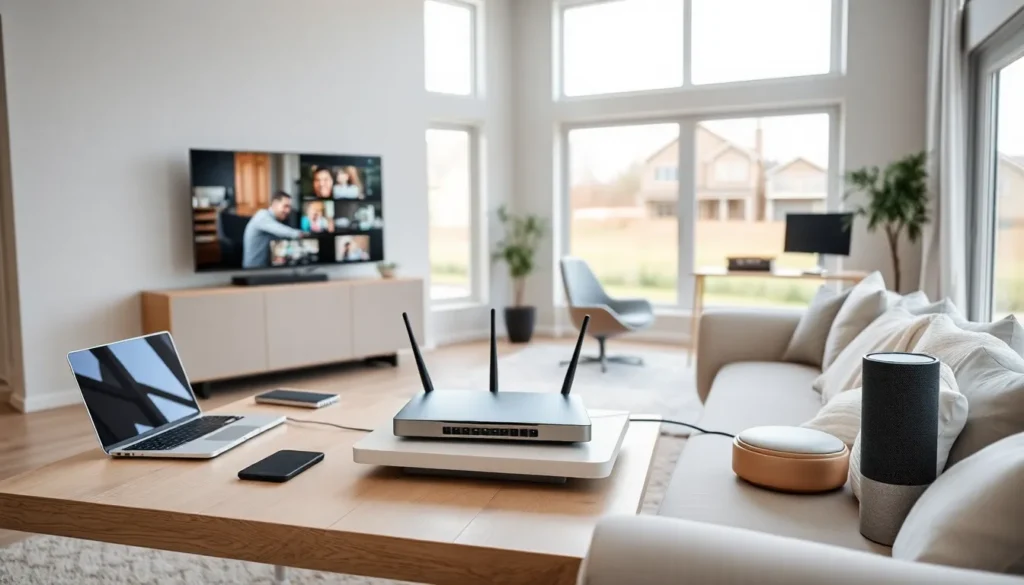

Home networking connects all the devices in a house so they can share data and internet access. A home network lets smartphones, computers, smart TVs, and other gadgets communicate with each other. This setup has become essential as households now average more than 20 connected devices.
Understanding what home networking means helps users make better decisions about their setup. This guide explains how home networks work, what components they need, and why they matter for modern households.
Table of Contents
ToggleKey Takeaways
- Home networking connects all devices in your house—smartphones, computers, smart TVs, and more—allowing them to share data and internet access through a central router.
- Essential home network components include a modem, router, and optionally network switches, wireless access points, and ethernet cables for expanded coverage and performance.
- Home networks operate on 2.4 GHz (longer range, slower speeds) and 5 GHz (faster speeds, shorter range) frequencies, with modern routers using both automatically.
- You can set up home networking using wired (ethernet), wireless (Wi-Fi), powerline, mesh, or hybrid connections depending on your household’s needs.
- A properly configured home network supports smart home devices, enables file and printer sharing, and allows multiple family members to work or stream simultaneously.
- Strong home networking improves household security by letting you monitor connected devices, block unknown access, and set parental controls.
How Home Networks Work
A home network creates a private connection between devices within a residence. The network uses a router as its central hub. This router receives internet signals from a modem and distributes them to connected devices.
Every device on a home network gets an IP address. This address acts like a digital location marker. The router uses these addresses to send data to the right device. When someone streams a movie on their TV, the router knows exactly where to send that video data.
Home networking operates on two main frequencies: 2.4 GHz and 5 GHz. The 2.4 GHz band travels farther but moves data slower. The 5 GHz band offers faster speeds but covers less distance. Many modern routers use both frequencies automatically.
Data moves through the network in small packets. These packets travel from the internet to the router, then to the requesting device. The process happens in milliseconds, making browsing and streaming feel instant.
Most home networks also include a firewall. This security feature blocks unwanted traffic from entering the network. Routers typically have built-in firewalls that protect connected devices from external threats.
Essential Components of a Home Network
Modem
The modem connects a home to the internet service provider. It converts signals from the ISP into data that devices can use. Without a modem, a home network cannot access the internet. Many ISPs provide modems as part of their service packages.
Router
The router distributes internet access to multiple devices. It creates the actual home network and manages traffic between devices. Modern routers support both wired and wireless connections. A good router determines the speed and reliability of a home network.
Network Switch
A network switch expands the number of wired connections available. Homes with many ethernet-connected devices benefit from switches. They plug into the router and provide additional ports for computers, gaming consoles, or smart home hubs.
Wireless Access Points
Wireless access points extend Wi-Fi coverage throughout a home. Large houses often have dead zones where the router signal cannot reach. Access points solve this problem by broadcasting the network signal in additional areas.
Ethernet Cables
Ethernet cables provide wired connections between devices and the router. They deliver faster, more stable connections than wireless options. Many users connect desktop computers, gaming systems, and streaming devices with ethernet cables for better performance.
Network-Attached Storage (NAS)
A NAS device provides shared storage for all devices on a home network. Family members can store photos, videos, and documents in one central location. Everyone on the network can access these files from their own devices.
Types of Home Network Connections
Wired Networks
Wired home networking uses ethernet cables to connect devices directly to the router. This method offers the fastest and most reliable connections. Gamers and remote workers often prefer wired connections because they reduce lag and provide consistent speeds. The main drawback is that cables must run through walls or along floors.
Wireless Networks (Wi-Fi)
Wi-Fi allows devices to connect without physical cables. This option provides flexibility and convenience. Users can move around their home while staying connected. Most home networks use Wi-Fi as their primary connection method. Current Wi-Fi 6 and Wi-Fi 6E standards offer speeds that rival wired connections for most activities.
Powerline Networks
Powerline adapters use existing electrical wiring to transmit network data. Users plug one adapter near the router and another near the device that needs connection. The electrical wiring carries the network signal between them. This solution works well in homes where running ethernet cables proves difficult.
Mesh Networks
Mesh networking uses multiple devices to blanket a home with Wi-Fi coverage. These systems include a main router and satellite units placed throughout the house. The satellites communicate with each other to create one seamless network. Mesh systems eliminate dead zones and provide consistent speeds in every room.
Hybrid Networks
Many households combine multiple connection types. They might use ethernet for stationary devices and Wi-Fi for mobile ones. This hybrid approach to home networking maximizes both performance and convenience.
Benefits of Setting Up a Home Network
A home network enables internet sharing across all household devices. One internet subscription serves smartphones, tablets, computers, and smart home gadgets simultaneously. This setup eliminates the need for separate data plans or connections.
File sharing becomes simple with a home network. Family members can share photos, documents, and media files without USB drives or cloud uploads. A parent can send files to a child’s computer in seconds.
Home networking supports printer sharing. One printer can serve every computer and device in the house. Users send print jobs from anywhere in the home without connecting cables.
Smart home devices require a home network to function. Thermostats, security cameras, smart lights, and voice assistants all depend on network connectivity. A strong home network makes these devices responsive and reliable.
Entertainment options expand with a connected home. Users can stream content to any TV, play games online, and access media libraries from any room. A home network turns separate devices into an integrated entertainment system.
Remote work and online learning depend on solid home networking. Video calls, file transfers, and cloud applications need stable connections. A well-designed network supports multiple family members working or studying at the same time.
Home networks also improve security when configured correctly. Users can monitor who accesses their network and block unknown devices. Parental controls let families manage children’s internet access and screen time.